
Creating Logos and Graphics with ChatGPT
My recent attempt to rejuvenate Muzictrain by moving our meetings to Elmira, developing the “Jam Nite” concept and introducing “Uke Crew” has meant developing quite a bit of new material. This included program ideas, program names and accompanying logos.
One of the first ones was a redo of the Muzictrain identity. This was not meant as a replacement for the tried and true image being used for the last two or three years.
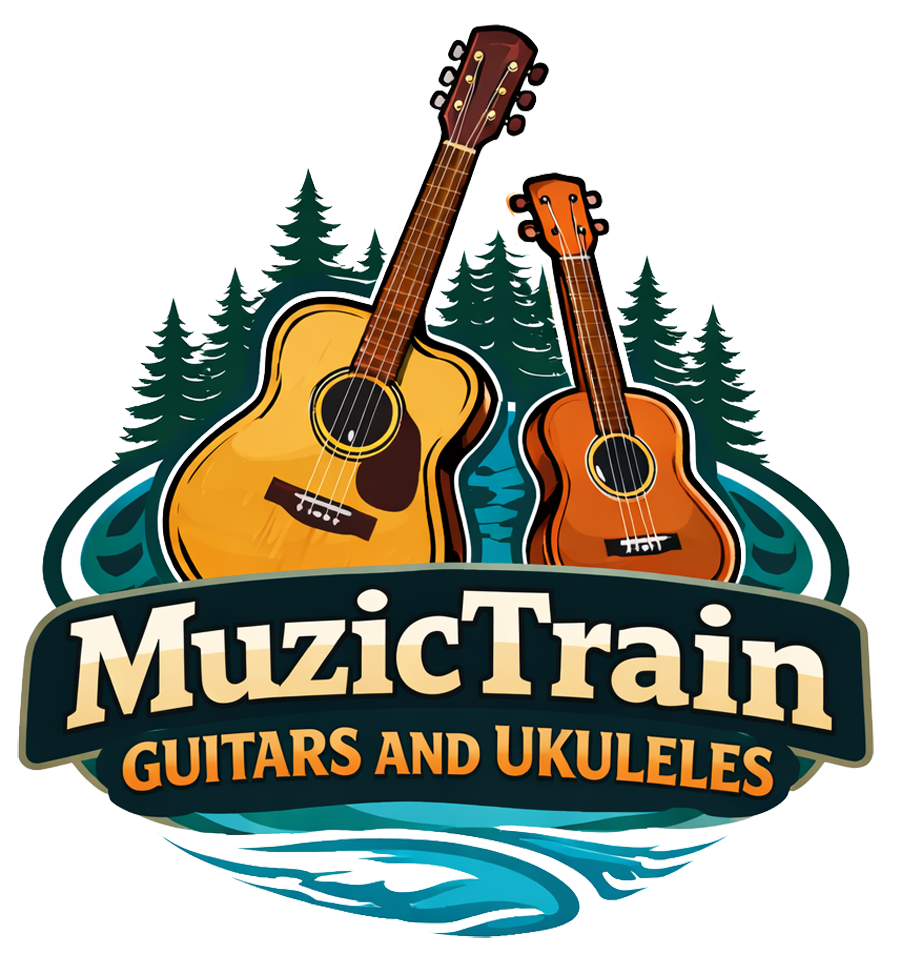
This was an attempt to suggest a new emphasis: away from the band idea, and more to a focus on guitars and ukuleles. Also this included a nod to the rural situation in Woolwich Township. ChatGPT came up with the evergreen trees. A number of attempts were made including a reference to the Grand River, but these were eventually replaced with the trees and a hint of swirling river.
Developing Uke Crew
The process for developing something like “Uke Crew” usually begins with asking ChatGPT a question like: “Suggest some names for a ukulele group for grade school age kids”. This resulted in a very long list of suggestions, many of which lacked originality, or didn’t have the right ring to them. I felt the name “Uke Crew” captured the idea of a bunch of kids working together on a sort of joint project: to develop their ukulele playing skills and put special group performances together.

This was essentially ChatGPT’s first attempt at creating an identity for the “Uke Crew”. I like the kids holding the ukes, and also like the treatment of the logotype.
Developing “Jam Nite”
I also had ChatGPT work on the concept of the “Jam Nite”. I thought the initial logo concept was quite classy. I can’t remember the prompt I used, but my prompts tend to be quite basic, and let Chat do its thing. I have been pleasantly surprised by quality of the images. I have stuck pretty much to realistic characters, but I suspect it can do a pretty good job with cartoonish characters as well. I will try that out in an upcoming post.
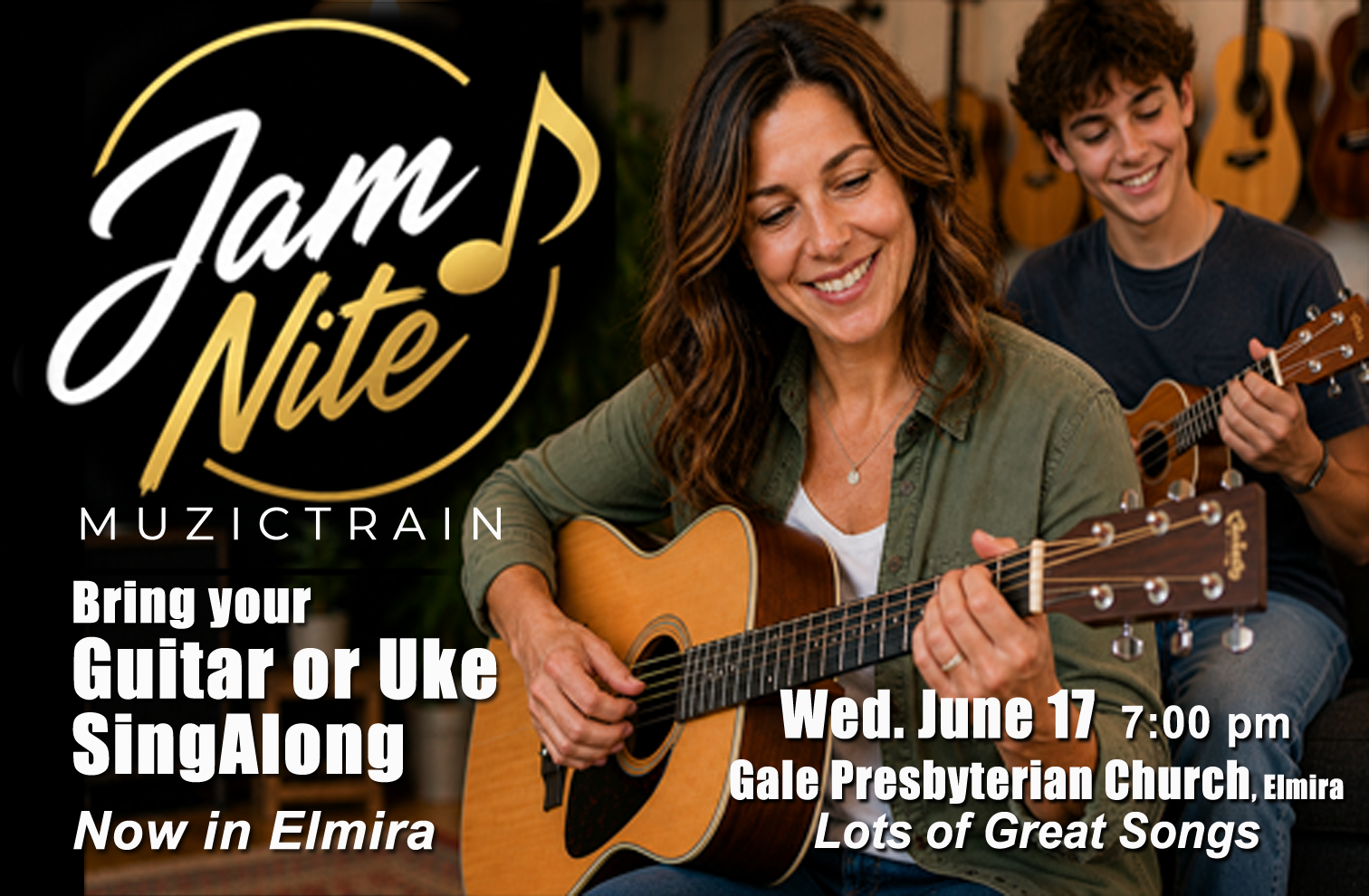
Chat worked on newspaper ads as well. The basic format we ended up using included these two very realistic characters, a guitar and a ukulele, and the text worked in quite nicely. Considering the fairly skimpy prompts I used I was quite impressed how well Chat was able to integrate the logos and descriptions. I did have to make a few fairly minor adjustments in Photoshop.
I also experimented with groups of people. As you can see in the images here, things look very realistic. Again, it’s been a while since these were done so I can’t remember the prompts. I do remember asking for something like “a group of people of varying ages, some with guitars and some with ukuleles. They are in a classroom type of setting with a screen at the front of the room with a popular song on the screen.”
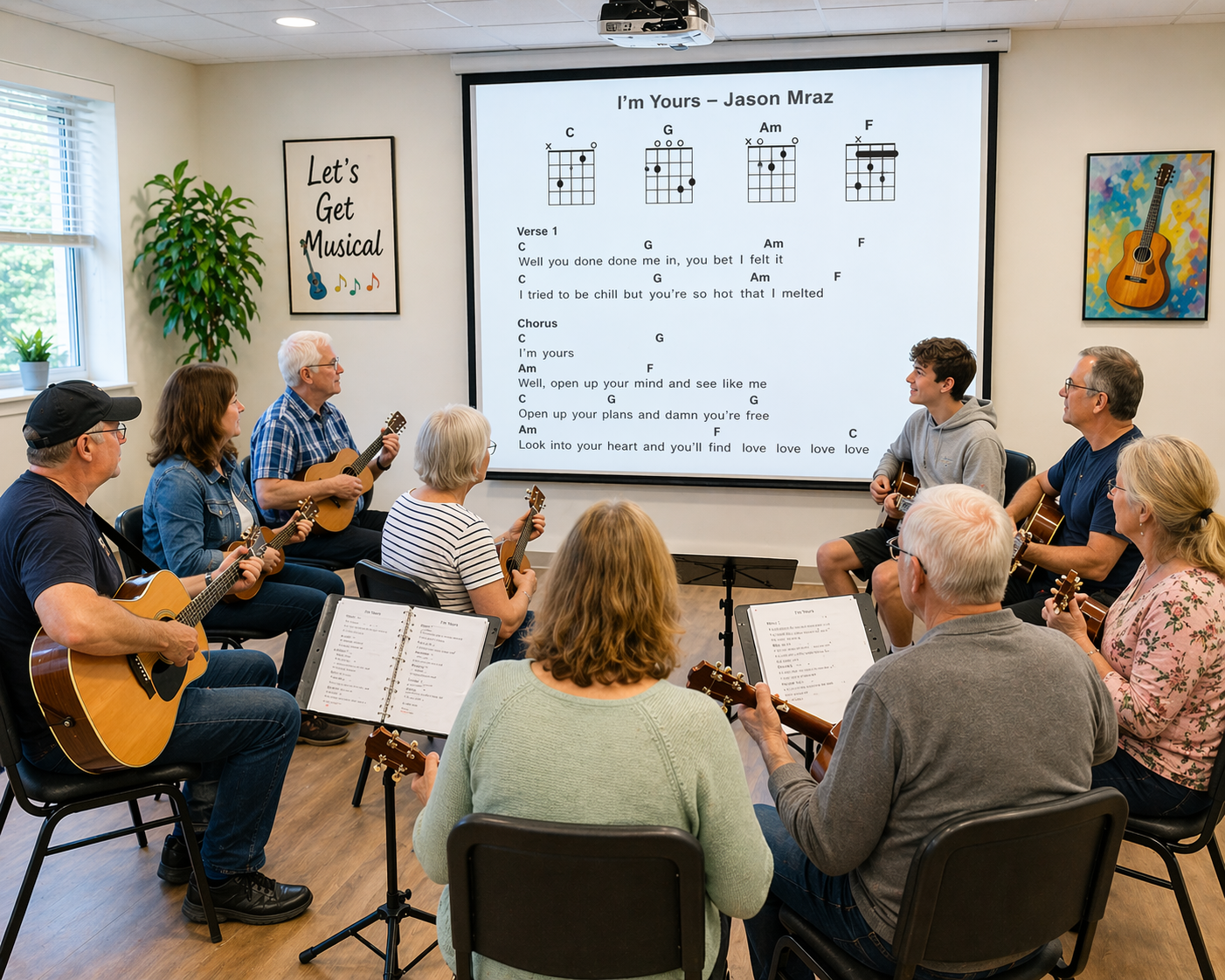
Chat did a pretty good job. The people are realistic. As I requested there is a range of people of different ages sitting together as a group. Some have a guitar, and some a ukulele. It was difficult getting Chat to have them looking at the scree, but after several prompt revisions I more or less got what I was after. The prompt is important.
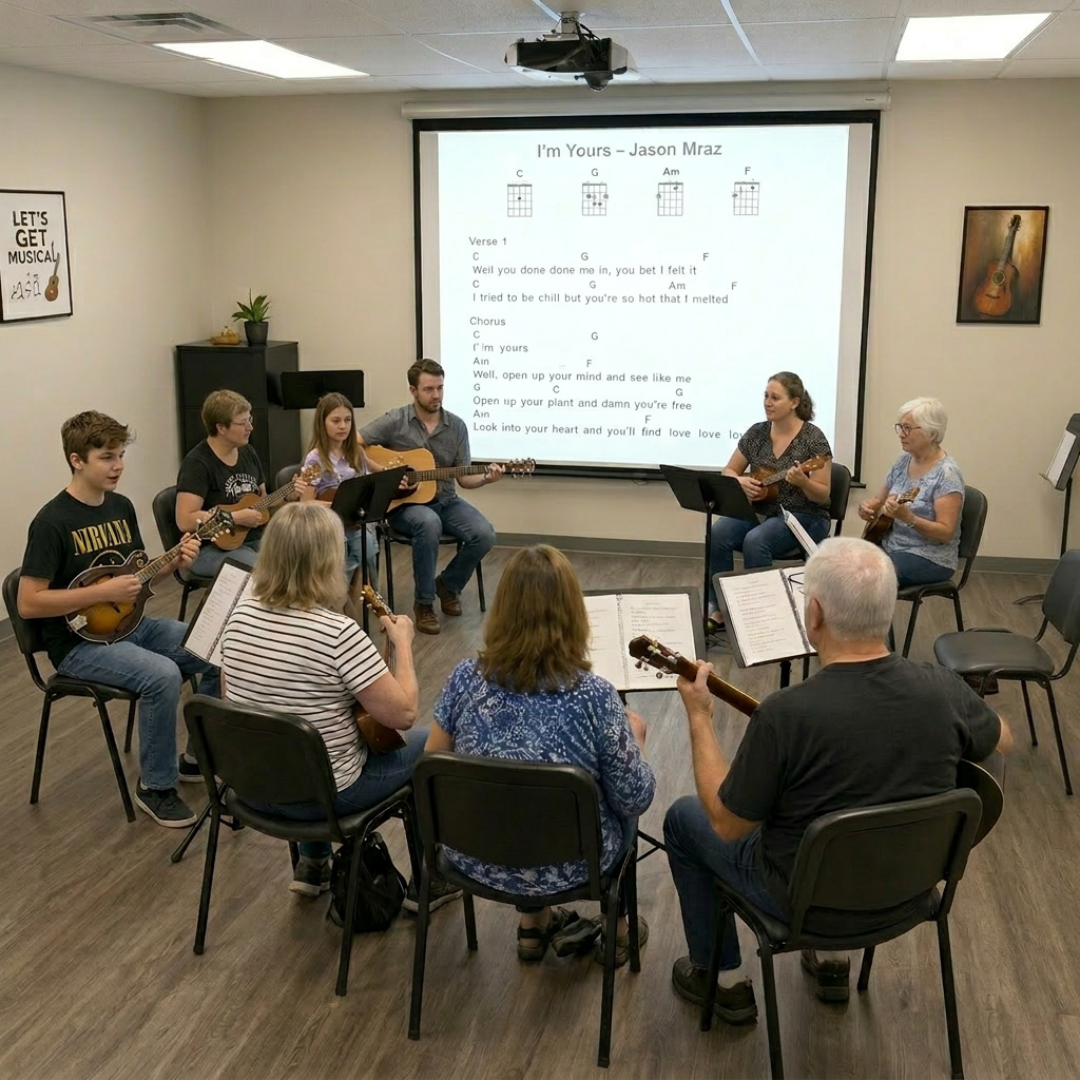
It is interesting that Chat included chord diagrams at the top of the song on the screen. But the diagrams are not correct. It is hard to see how Chat could do a better job with technical details like this. This is the type of detail that may have to be adjusted in Photoshop after the fact.



About Author
